10 Best Descript Alternatives in 2026 (Compared)
 RH FardinMaker of EditnShip · Updated November 5, 2026

When I started publishing YouTube videos and tutorials, I signed up for Descript's basic plan. It cost me about $25 a month, and it didn't last.
After two or three videos, my AI credits were gone. I couldn't remove my background, which I needed. I couldn't improve my voice quality either. I was paying every month and I was frustrated.
So I built my own Descript alternative. You delete a word in the transcript, and it's gone from the video. Or you tell it what to change. Then you ship it to YouTube. Sound cleanup and background blur run on your Mac, so there are no credits to run out.
That tool is EditnShip, and it's my pick on this list. I built it, so I'm biased. That's why I list my sources at the end.
All 10 at a glance
| Tool | Starting price | Free plan | Edit by text |
|---|---|---|---|
 EditnShip | $29 once | No. 14-day refund | Video and audio |
 Riverside | $24 a month | 14-day trial | Yes |
 Camtasia | $179.88 a year with text editing | Free editor with watermark | Through Audiate |
 VEED | $10 a month | Yes, with watermark | Video |
 DaVinci Resolve | $236 once for Studio (on sale from $295) | Yes | Studio only |
 CapCut | Varies by region | Yes | Yes |
 Reduct | $12 an editor a month | 14-day trial | Video |
 Alitu | $32 a month | 7-day trial | Audio |
 Podcastle (Async) | $11.99 a month | Yes, lifetime limits | Audio |
 Audapolis | Free | Free | Video and audio |
Prices come from each company's site, read on November 5, 2026. I didn't test the other nine tools myself.
What is text-based video editing?
Text-based editing turns your video into a transcript. You delete a word in the text, and it's cut from the video. It works best for talking: tutorials, interviews, podcasts and demos.
It's faster because you read your video instead of scrubbing through a timeline. Your talk becomes text, and a bad take is a line you can see and delete.
Not every tool on this list works the same way. Some edit video through the text. Some only do audio. The table above shows which is which.
How I compared these tools
I looked at four things: whether you can edit by text, what it really costs, what limits you hit, and where it runs.
Every price and feature comes from each company's own site, read on November 5, 2026. I didn't test the other nine tools myself, so try one before you switch. Prices change, so check before you buy.
I built EditnShip, so I can't be neutral. That's why the table under it also shows what Descript does and EditnShip doesn't.
Why people leave Descript
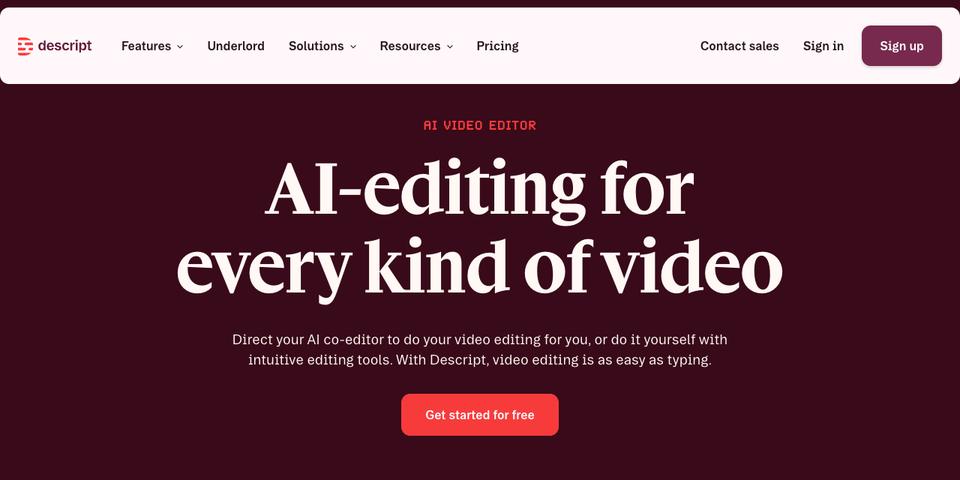
- Media limits. Paid plans include 10, 30 or 40 media hours a month.
- AI credits. Underlord, Studio Sound and Eye Contact all use credits.
- 4K costs more. Hobbyist stops at 1080p. For 4K you need Creator, at $24 a month or more.
- No offline editing. Descript's help center says it isn't supported.
The price adds up too. In year one, $29 once is over 6x less than Descript's cheapest paid plan, at $192 a year. Here's three years of Descript against one EditnShip license:
Descript's prices are per person, on annual billing. EditnShip's cloud AI uses your own key, billed by the AI company. Descript's plans include AI credits.
Descript's pros and cons
- Edit video by editing text
- Runs on Mac, Windows and in a browser
- Rooms records up to 10 people remotely
- Eye Contact and live team editing
- AI credits come with every paid plan
- Media hours capped at 10, 30 or 40 a month
- AI credits run out, and Studio Sound and Eye Contact use them
- 4K needs the Creator plan or higher
- No offline editing
- You pay every month or every year
1. EditnShip
EditnShip is a Mac video editor you pay for once. You edit by deleting words in the transcript, or you tell Shipmate, its AI editor, what to change. Then you publish to YouTube from the app.
It has no media hours or credits to count. And Auto Post can write, voice and build short videos, then post them on your schedule.
- $29 once, with no subscription needed
- 4K export and no media limit
- Works offline with the on-device models
- Sound cleanup and background blur use no credits
- Auto Post for scheduled short videos
- Mac only, and Apple silicon only
- No free plan for the Mac app
- Cloud AI needs your own key, which you pay for
- No AI background removal, only blur and green screen
- No remote guests, team editing or Eye Contact
Price: $29 once, with a full refund within 14 days.
| EditnShip | Descript | |
|---|---|---|
| Price | $29, one time | $16–$50 a month billed yearly, $24–$65 month to month |
| Media you can add | No limit | 10, 30 or 40 hours a month |
| 4K export | Included | Creator plan and up |
| Edit video by editing text | Yes | Yes |
| Edit by chatting | Shipmate, with your key | Underlord, uses credits |
| Works offline | Yes, with on-device models | No |
| Scheduled social posting | Auto Post* | Not listed |
| Cloud AI | Your own key, billed by the AI company | 400, 800 or 1,500 credits a month included |
| Remote guests | No | Rooms, up to 10 people |
| Eye contact fix | No | Eye Contact |
| Team editing | No | Live collaboration |
| Platforms | Mac app for Apple silicon | Mac, Windows and browser |
*YouTube connects with one sign-in. Facebook, Instagram and TikTok need your own developer app. TikTok posts arrive as drafts, and Instagram and TikTok need your Mac on at post time. Making videos needs your own AI and stock footage keys.
How to edit a video in EditnShip
- Add your video
Import a video, or record your screen and camera in the app. EditnShip types out every word once the speech model is on your Mac.
- Cut by deleting text
Select a word, a line or a whole take in the transcript and delete it. The video cuts with it. Press ⌘Z if you change your mind.
- Clear the fillers
Remove the ums and uhs in your transcript, and shorten long pauses, without hunting for each one.
- Clean up your voice
This is the step I ran out of credits for. Here, sound cleanup cuts background noise and evens out your voice on your Mac.
- Add captions
Turn captions on and pick a style. They come from your transcript, so your edits carry over.
- Ask Shipmate for the rest
Don't want to do it by hand? Tell Shipmate what to change, and it makes the edit. This step needs your own AI key.
- Ship it
Export up to 4K, or publish to YouTube from the app.
What Auto Post does
Posting on a schedule is hard to keep up when you edit every video yourself. Auto Post takes that job.
You set up a series once. Auto Post writes the scripts, adds a voice and free stock footage, and builds the short videos. By default, you review them, and the ones you approve go on your calendar and post on your schedule.
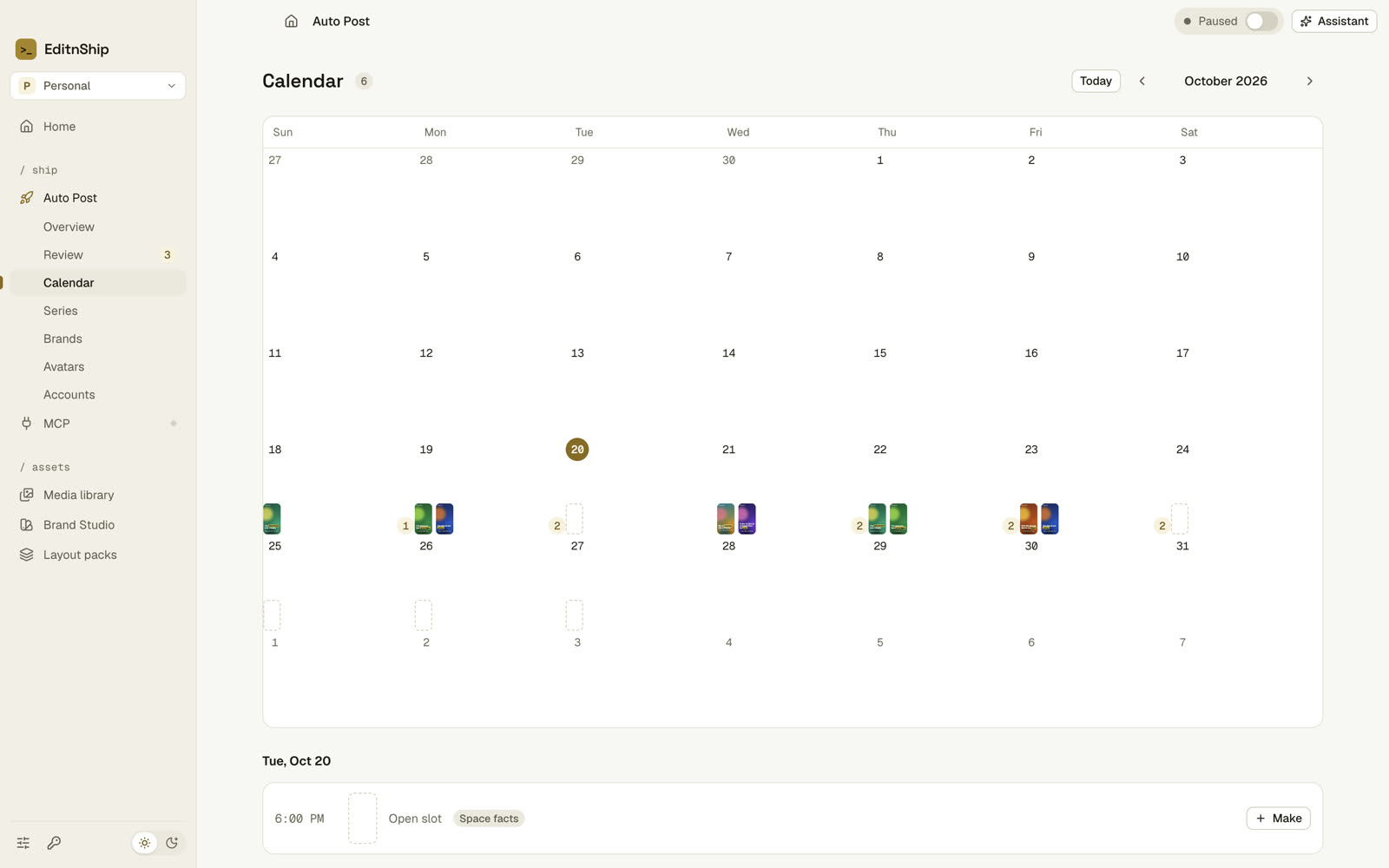
The Make button shows an estimate of the cost before you start a batch, and you pay the AI and voice companies directly with your own keys.
What AI costs on your own key
Running out of credits is why I built this, so here's how it works.
You don't need a key to edit. Cutting, removing fillers, sound cleanup, background blur, captions and export all run on your Mac. Transcripts can too: download the free speech model once, about 1.6 GB.
For Shipmate, add an OpenAI or Claude key. Translation and Auto Post scripts can also use Gemini. You pay that company directly, at its price, and EditnShip adds nothing on top.
Shipmate, AI Tools and Auto Post show you what pays for the work. With a key saved, the YouTube kit and a thumbnail run on their own after each transcript, and an OpenAI or Gemini key pays for transcripts unless you pick On device. You can turn these off in Settings.
If you already pay for Claude, you can connect Claude Desktop or Claude Code to the Mac app, and it edits on the plan you have.
The trade-off is real: Descript's plans include AI credits, and the $29 license doesn't include any cloud AI. Your bill depends on how much you use, so check the AI company's prices first.
2. Riverside
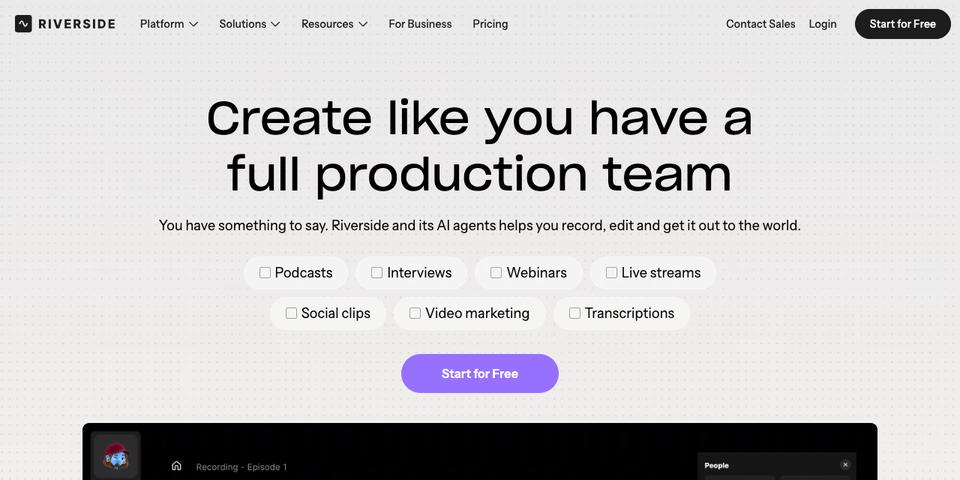
Riverside is a remote recording studio that added a text-based editor. Each guest records locally.
Each guest records locally, so a weak connection doesn't ruin the take.
- Records locally in up to 4K
- Transcription is unlimited
- Runs in a browser, with a Mac app for recording and basic editing on phones
- Subscription only
- Track downloads are capped at 15, 20 or 25 hours a month
- Its focus is recording, so check the editor fits your work
Price: Pro is $29 a month, or $24 billed yearly. Grow is $39 or $34.
Why I'd still pick EditnShip: It's subscription only, and track downloads are capped at 15, 20 or 25 hours a month.
3. Camtasia
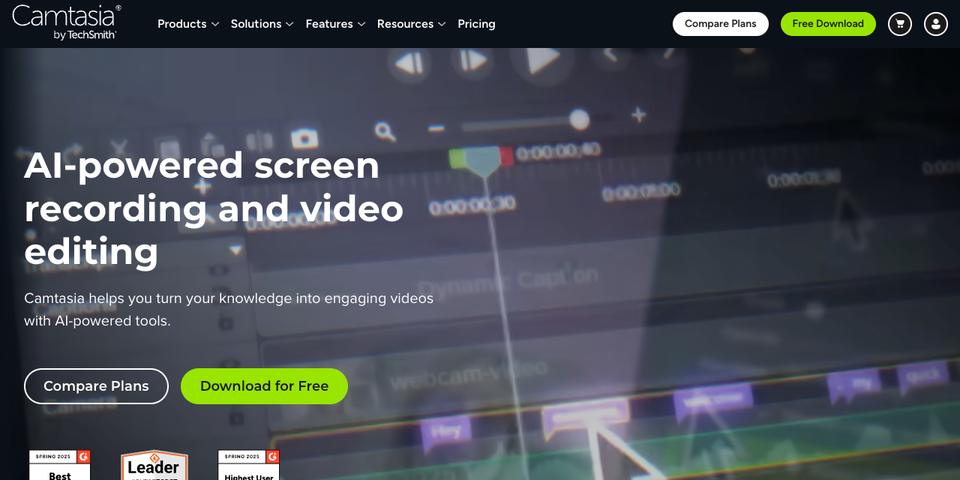
Camtasia is a screen recorder and editor from TechSmith. Editing by text comes through Audiate, which starts on the Essentials plan.
It runs on Mac and Windows, and it's built for training teams and screen tutorials.
- Works on Mac and Windows, with a browser version
- Most of it works offline
- Built around screen recording and training
- Billed yearly, with no monthly option shown
- The $39 Starter plan adds a watermark
- Text editing needs Essentials or higher
Price: Starter is $39 a year, Essentials $179.88, Create $249 and Pro $599.
Why I'd still pick EditnShip: It's billed every year, and text editing starts at $179.88 a year.
Choosing between the two? Read Descript vs Camtasia.
4. VEED
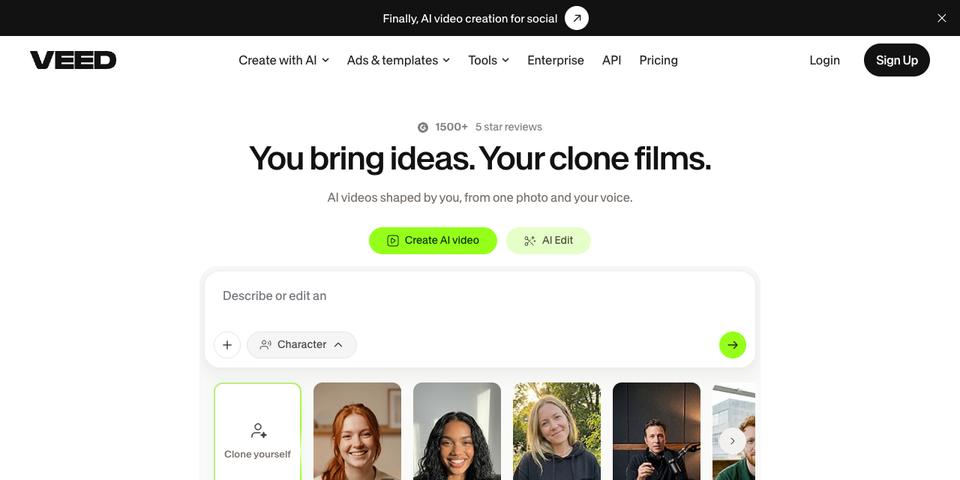
VEED is a video editor that runs in your browser. You can edit video by editing text.
There's nothing to install, and it works on any computer with a browser, including a Chromebook or a Windows laptop. You can add subtitles and export from the same place.
- Nothing to install
- 4K export on Pro and up
- Works on any device with a browser
- The Free plan adds a watermark and stops at 720p
- AI features use monthly credits
- No offline work
Price: Creator is $20 a month, or $10 billed yearly. Pro is $44 or $21. Studio is $70 or $35.
Why I'd still pick EditnShip: It has no offline work, and its AI features use monthly credits.
5. DaVinci Resolve
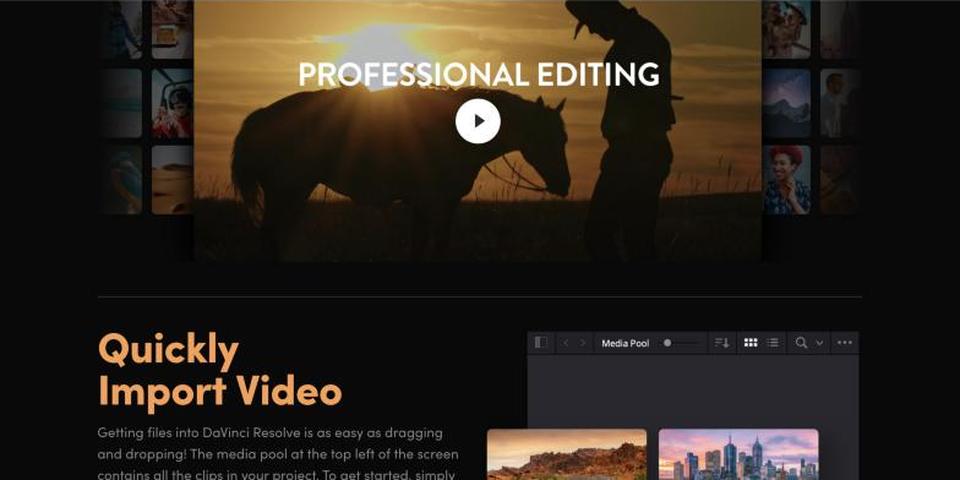
DaVinci Resolve is a full professional editor, famous for its color tools. Blackmagic lists text-based editing as a Studio feature.
It's far more than a text editor, and it asks more of you.
- A very strong free version
- No recurring fee shown
- Runs on Mac, Windows and Linux
- Text editing is listed as a paid Studio feature
- Much more to learn than a text-first editor
- No browser version
Price: The free version costs nothing. Studio is on sale at $236, down from $295.
Why I'd still pick EditnShip: Text editing costs more here, and Resolve is a far bigger tool to learn.
6. CapCut
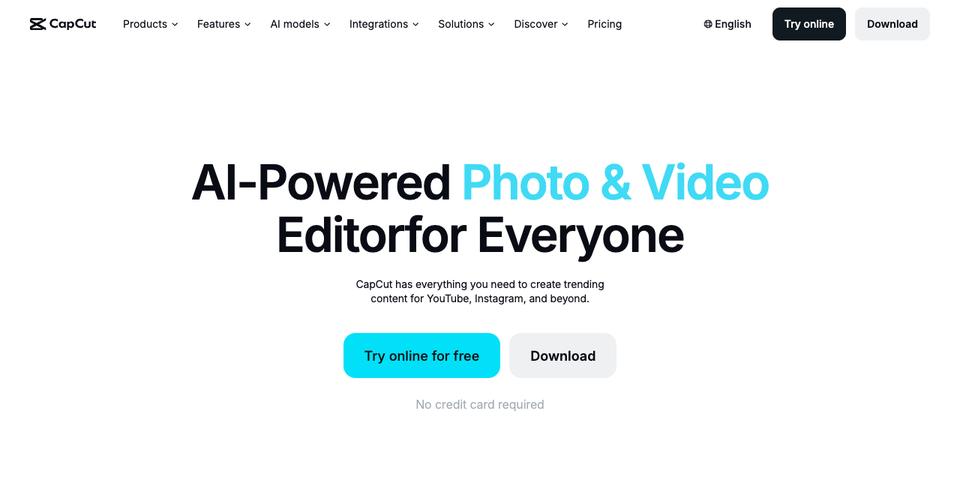
CapCut is an editor for phones, computers and browsers, built for short social video. It offers transcript-based editing.
You can start free, and it runs on Windows, Mac, the browser and mobile.
- A free tier
- Runs on Windows, Mac, browser and mobile
- Paid plans include AI credits
- Features vary by region
- Paid prices vary by region too
- Its tools lean toward short social video
Price: A free tier and a 7-day Pro trial. Paid prices depend on your region.
Why I'd still pick EditnShip: Its features and prices vary by region, and I want one clear price.
7. Reduct
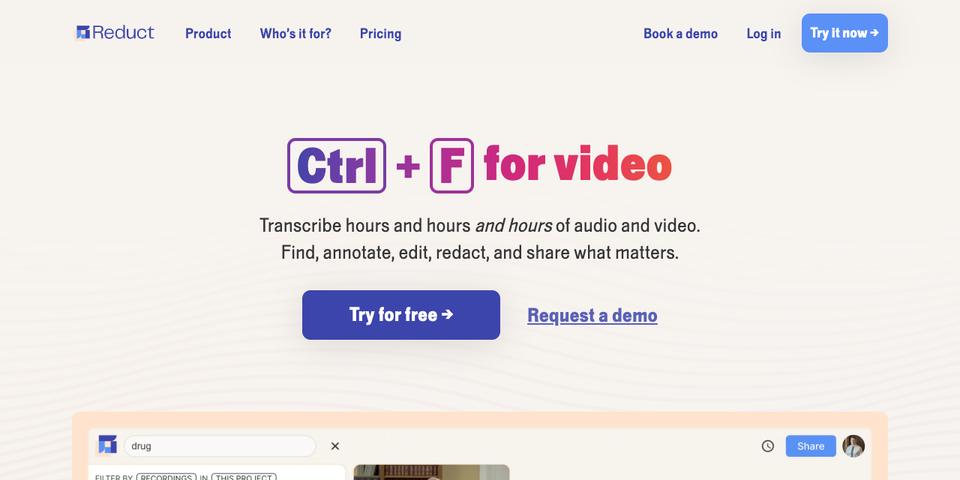
Reduct is a browser tool for reviewing and editing video through transcripts. It's built for research teams and documentary makers.
It suits teams that need to work through many hours of footage together.
- Built for transcript-first video work
- Commenters are free
- Redaction on the Professional plan
- No free plan
- The Personal plan stops at 720p and 4 GB files
- Transcription hours are limited
Price: Personal is $15 an editor a month, or $12 billed yearly. Professional is $50 or $40. Enterprise starts at $75.
Why I'd still pick EditnShip: You pay per editor, every month, and there is no free plan.
8. Alitu
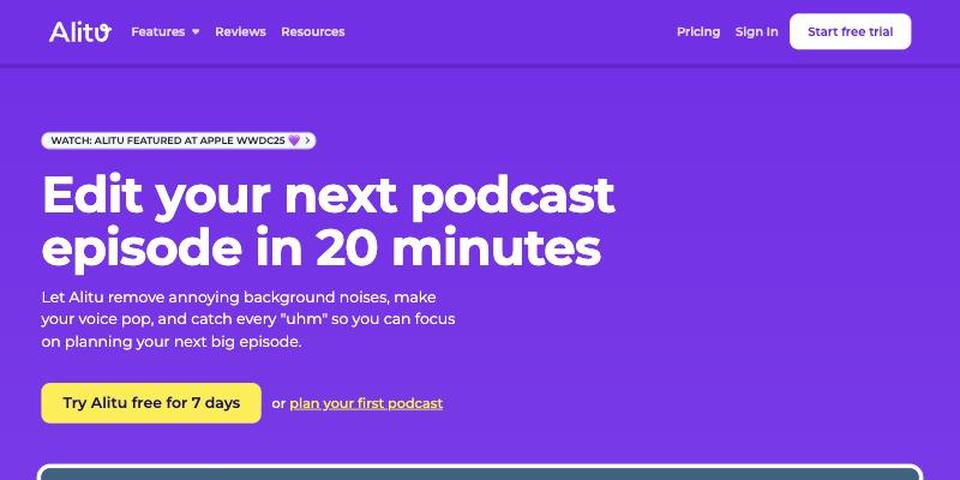
Alitu is a podcast tool. It cleans your audio, lets you edit audio like a text document and can host your show.
It's a podcast tool first, so it's built around audio, not video.
- Automatic audio cleanup
- Podcast hosting included up to 1,000 downloads a month
- Simple by design
- Podcast-focused
- One subscription, with no free plan
- Text editing is shown for audio, not video
Price: $38 a month, or $32 billed yearly. There is a 7-day trial.
Why I'd still pick EditnShip: It edits audio by text, not video.
9. Podcastle (now Async)
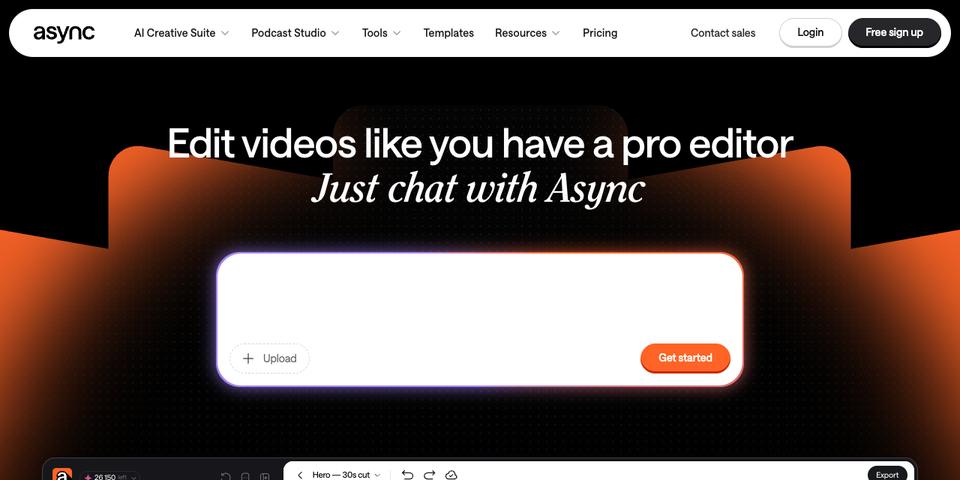
Podcastle's site now redirects to Async. It mixes recording, transcript-based audio editing and AI generation in one browser tool.
It's a browser tool, with an iOS app for some features.
- Recording and AI generation together
- Large discount on yearly billing
- Browser-based, with an iOS app for some features
- The Free plan has lifetime limits
- AI features use monthly credits
- Text editing is shown for audio only
Price: Essentials is $19.99 a month, or $11.99 billed yearly. Pro is $39.99 or $23.99. Teams is $84.99 or $49.99 per creator.
Why I'd still pick EditnShip: Its video editor page shows chat and timeline editing, not editing video through the transcript.
10. Audapolis
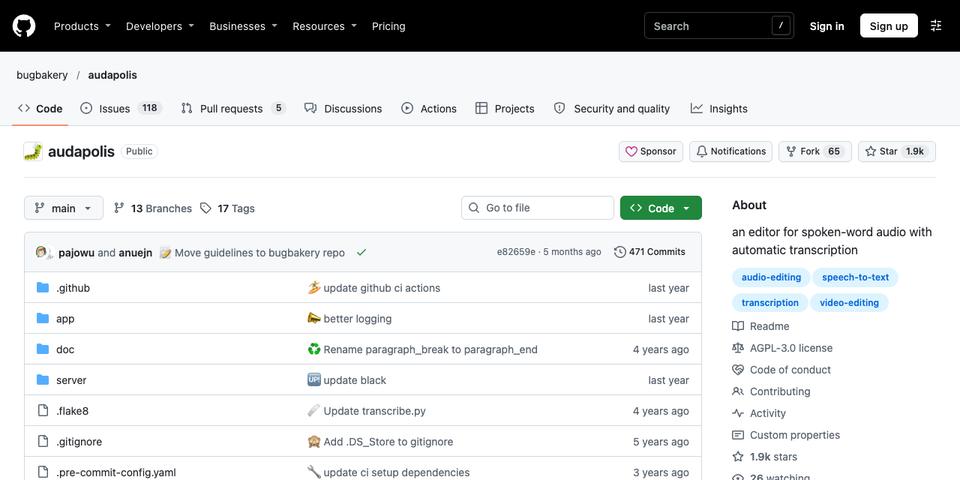
Audapolis is a free, open-source editor for spoken audio and video. It works like a word processor and runs on your computer.
It runs on your computer with no cloud, and it's made for spoken audio and video.
- Free and open source
- No cloud at all
- Runs on Mac, Windows and Linux
- Slow updates: the last release was in November 2025
- Few features compared with paid tools
- No company support
Price: Free.
Why I'd still pick EditnShip: Its maintainer calls it a hobby project, so updates are slow.
How to switch from Descript
- Export your video
Export your finished video. On Creator and up, Descript's Timeline export also gives you copies of your media. EditnShip can't open Descript project files.
- Import it
Bring it into EditnShip. The first time, click to download the free speech model (about 1.6 GB), or add a key. It types out the words, then you edit the text.
- Cancel when you're ready
Cancel from your Descript subscription page. Keep your exports first.
My verdict
Get EditnShip. It gives you text editing, 4K export and an AI editor (with your own key) for $29 once, on your Mac.
If it isn't for you, ask for a full refund within 14 days.
Questions
What is the best Descript alternative?
My pick is EditnShip if you work on a Mac. You get text editing, an AI editor with your own key, 4K export and no media hours for $29 once.
Is there a free Descript alternative?
EditnShip isn't free. It's $29 once, with a full refund within 14 days. CapCut, DaVinci Resolve and Audapolis have free versions.
What is the best Descript alternative for Mac?
EditnShip. It's built for Macs with Apple silicon, and it costs $29 once.
Is there a free version of Descript?
Yes. Descript's Free plan gives you 1 media hour a month, and 720p export with a watermark. You also get 100 AI credits, one time.
How much does Descript cost?
Per person, Hobbyist is $16 a month billed yearly or $24 month to month. Creator is $24 or $35. Business is $50 or $65. Those are the prices I saw on November 5, 2026.
Does Descript work offline?
No. Descript's help center says offline editing isn't supported. EditnShip works offline once you download the on-device models and choose On device.
Is there a Descript alternative with no subscription?
Yes. EditnShip for Mac is $29 once, with no monthly bill.
Does EditnShip have every Descript feature?
No. It has the core ones, plus Auto Post. It doesn't have Eye Contact, remote guest recording, text-to-video generation, AI background removal or team editing.
Does EditnShip work on Windows?
No. It runs on Macs with Apple silicon and macOS 14 or later. Screen recording needs macOS 15.
Can I move my Descript projects to EditnShip?
EditnShip can't open Descript project files. Export your video from Descript, then import it.
About the author
RH Fardin
I'm an SEO and growth marketer and web developer, and I build and market EditnShip myself. I've spent 5+ years on 120+ projects for 50+ clients.
Sources
- Descript pricing, features, top-ups, cloud saving and system requirements
- Riverside pricing
- Camtasia store
- VEED pricing
- DaVinci Resolve
- CapCut pricing
- CapCut transcript editing
- Reduct pricing
- Alitu pricing
- Async (Podcastle) pricing
- Audapolis on GitHub
All product names and logos are trademarks of their owners, shown here to identify their products. EditnShip isn't affiliated with any of them.
EditnShip for Mac
- Every feature, including Auto Post and Claude
- Regular updates included
- Use your own AI keys, or no AI at all
- Full refund within 14 days